7 Best Ways to Upgrade Old Door Locks to Smart Systems

Time:2026-09-24 Author:Henry
0%

An old door lock can feel like a small problem until a lost key leaves you outside in the rain. Smart upgrades now offer keyless entry, temporary access, activity alerts, and remote control without replacing the entire door. This guide explains how to upgrade old door locks to smart systems through seven practical approaches. Each method considers door alignment, lock type, Wi-Fi strength, battery access, and household routines.

Industry research supports this growing interest. Parks Associates’ smart home studies identify security and access control as major reasons consumers adopt connected devices. The 2024 Connectivity Standards Alliance survey also highlights interoperability as a continuing concern for smart-home buyers. Meanwhile, the National Institute of Standards and Technology recommends strong authentication, secure updates, and careful device configuration for connected products. These findings matter because convenience should not quietly weaken security.

The best solution depends on the door, not just the product box. A retrofit interior adapter may preserve your existing exterior keyway. A complete smart deadbolt may provide stronger integration and cleaner control. Some systems require a bridge, while others connect through Bluetooth, Wi-Fi, or Matter-compatible hubs. Installation is usually manageable, but poor door alignment can drain batteries and cause failed locking. That detail is easy to miss.

There is no perfect upgrade for every home. Renters, families, and short-term rental hosts face different access needs. The following seven methods compare practical options, security features, installation demands, and long-term reliability, helping you choose a system that fits your door and daily life.
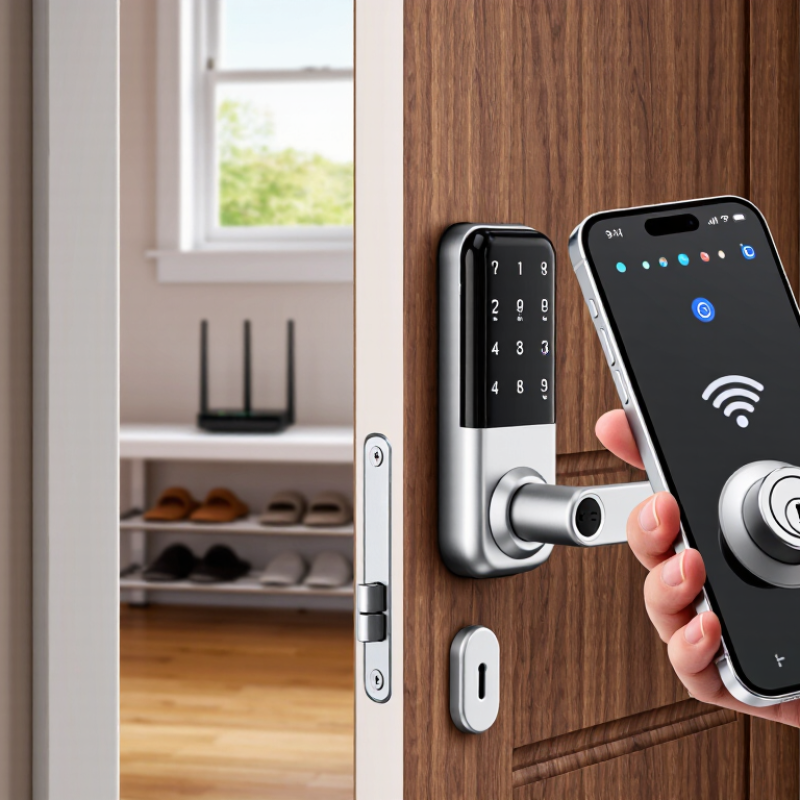
7 Best Ways to Upgrade Old Door Locks to Smart Systems

Assess Your Existing Door Lock and Smart Home Compatibility

Before choosing a smart system, inspect the lock already fitted to your door. Is it a single-cylinder deadbolt, with a key outside and a thumbturn inside? Some retrofit devices turn that thumbturn, while others require replacing the entire lock. The difference matters. Check the door’s thickness, deadbolt dimensions, and clearance around the interior handle. A nearby window frame or narrow trim can block a bulky motor. Measure twice. It is easy to assume two deadbolts look alike, then discover their mounting plates differ. Also test the lock by hand. If the bolt scrapes or sticks, fix the alignment before adding a motor.

CHECK
THE FIT

Next, check how the system communicates with your home setup. Some locks connect directly to Wi-Fi; others need a separate hub or use a low-power wireless protocol. Confirm that your router, hub, and phone support the required connection, and check whether the lock works during an internet outage. Not always. A keypad may still operate locally, but remote alerts could stop. Review power needs, too: note the battery type and whether you can reach the compartment without removing the device. If you rent, or share the entry, consider whether existing keys must remain usable and get permission before changing hardware. Small compatibility details are easy to overlook, and product diagrams may not show your exact door.

Choose the Right Smart Lock Upgrade for Your Door

Choosing the right smart lock upgrade begins with the door, not the app. Check whether it has a single-cylinder deadbolt, then measure the door thickness and the distance from its edge to the lock center. A small mismatch can prevent a retrofit unit from turning smoothly. Check the strike plate, too: if the bolt already scrapes the frame, a motor may struggle or drain batteries faster.

A retrofit lock keeps the existing exterior hardware and replaces or covers the indoor thumb turn. It may suit a door with a sound deadbolt and a clean interior surface. A full replacement can make more sense when the lock is worn, oddly sized, or poorly aligned, but it involves more fitting work. Don’t assume every “standard” door is standard. Mine wasn’t.

Think about daily use before choosing features. Keypad entry can help when hands are full, while an app-based system depends on a phone and a reliable connection. Check how the lock warns about low batteries and whether a physical key remains available. For a connected model, review its privacy settings and update process. Follow the installation instructions, then test the bolt with the door open and closed. It should move freely, without forcing the handle or door.

7 Smart Lock Upgrade Options for Older Doors

Estimated DIY installation time by upgrade method. Times are planning estimates; door condition and lock compatibility can affect the actual time.

Before choosing an option, check your door’s lock type, thickness, backset, and existing deadbolt or handle compatibility.

Prepare the Door and Remove the Old Lock Safely

Before choosing a smart lock, check the door’s thickness, backset, and existing bore holes. Measure from the door edge to the center of the lock opening, and note whether the door swings inward or outward. These details affect fit. Take clear photos of the lock, strike plate, and wiring, if present. Keep the door open during removal so it cannot latch unexpectedly. A small wedge helps. If you rent or share the property, confirm you have permission before changing the hardware.

Gather a screwdriver, a container for loose screws, and eye protection. Support the exterior lock while removing the interior screws; some assemblies can drop suddenly. Lift off the interior trim, then gently pull the outside parts free. Remove the latch by unscrewing its faceplate at the door edge. If a part sticks, check for a hidden screw rather than forcing it. I learned that patience matters here; bent trim can turn a simple swap into a repair. Keep the old parts together, and inspect the door for cracks, stripped screw holes, or a loose strike plate. Stop if the wood is damaged or the lock has unusual wiring, and get help from a qualified installer.

Install and Connect the New Smart Lock System

Before mounting the smart lock, check the door’s thickness, deadbolt backset, and bolt direction against the installation guide. A bolt that rubs the strike plate can drain batteries and cause unreliable locking. Keep the door open while testing the keypad, thumb turn, and automatic locking. It’s a small step. It can prevent a frustrating lockout.

After fitting the lock, install its app and follow the pairing instructions. Connect it to the recommended network or hub, then test locking and unlocking from nearby. If remote access is enabled, use a unique password and turn on multifactor authentication where available. Verizon’s 2024 Data Breach Investigations Report found that 68% of breaches involved a non-malicious human element. The figure is not specific to smart locks, but it underlines why careful account setup matters.

Update the lock’s software before relying on it, and check that alerts reach your phone. Test access for each household member, including anyone who may struggle with a small keypad. Wi-Fi can drop. Batteries can weaken. Keep a physical key available if the lock supports one, and check its operation periodically. App setup is not always intuitive; pause and review each permission instead of enabling every feature by default.

Configure Access Methods, Security Settings, and Maintenance

After fitting a smart module to an older deadbolt, check the door by hand before adding users. The bolt should slide fully into the strike plate without pushing or lifting the door. A small alignment problem can drain batteries and make locking unreliable. Do not assume the app will fix stiff hardware. Test the inside thumb turn, too. Test it twice.

Choose access methods around real routines. Give household members individual PINs or app access, and reserve temporary codes for guests. Avoid sharing one permanent code; removing one person’s access later becomes harder. Keep a physical key in a secure, known place. Keep a key. It is a useful fallback when a phone is dead or the home network is unavailable.

Set an auto-lock delay that fits the household routine. A rushed setting can lock the door while groceries are still outside. Enable low-battery and forced-entry alerts if available, but still check the door itself. Review access history occasionally and remove codes no longer needed. Replace batteries promptly, wipe the keypad with a soft, dry cloth, and test the mechanical key every few months. That small check is easy to forget.

FAQS

What should I measure before installing a smart lock?

Measure the door thickness and backset. Check the existing bore holes and bolt direction. Note whether the door swings inward or outward. Small differences can prevent a proper fit.

How can I remove the old lock safely?

Keep the door open and place a small wedge underneath. Wear eye protection and support the exterior assembly while removing screws. Store loose screws in a container. Do not force stuck parts.

What should I inspect after removing the old lock?

Check for cracked wood, stripped screw holes, or a loose strike plate. Look for hidden screws if a part will not move. Bent trim can create extra repairs. Patience helps here.

How can I test the new lock before using it daily?

Keep the door open during testing. Check the keypad, thumb turn, bolt movement, and automatic locking. The bolt should enter the strike plate smoothly. Test it twice.

What should I do if the bolt rubs against the strike plate?

Check the door alignment and strike plate position. Do not expect the app to solve stiff hardware. Rubbing can drain batteries and cause unreliable locking. Get qualified help if the wood is damaged.

How should I set up user access?

Give each household member a separate PIN or app account. Use temporary codes for guests. Avoid sharing one permanent code. Removing one person later becomes harder.

What security settings are useful?

Use a unique password and enable multifactor authentication when available. Install software updates before relying on remote access. Review app permissions carefully. I sometimes want every feature, but that is not always wise.

What should I do if the phone, network, or batteries fail?

Keep a physical key in a secure, known place. Enable low-battery alerts if available. Replace batteries promptly and check the key every few months. Wi-Fi can drop. Batteries weaken.

How should I maintain the lock after installation?

Wipe the keypad with a soft, dry cloth. Review access history occasionally and remove unused codes. Check the door by hand before adding users. A small routine is easy to forget.

Conclusion

Upgrading a traditional door lock to a smart system begins with checking the existing lock, door thickness, and available power options, then confirming that the new system will work with your home network and other connected devices. Understanding how to upgrade old door locks to smart systems also means choosing a suitable retrofit or replacement lock, considering how you want to unlock the door, and checking that the door and frame are in good condition.

Before installation, prepare the work area and carefully remove the old hardware according to the lock’s instructions. Fit the new components securely, connect the system to its app or home network, and test the lock from both inside and outside. Finish by setting up access methods, creating appropriate user permissions, enabling useful security notifications, and keeping the software and batteries maintained. Regular checks help ensure the lock continues to operate reliably and that access settings remain up to date.

Henry

Henry

Henry is a dedicated marketing professional with a profound expertise in the company's offerings. With years of experience in the industry, he possesses an impressive understanding of the market dynamics and consumer behaviors that drive success. Henry is committed to sharing his insights through......